Two Hours on PyPI: Lessons From the LiteLLM Supply Chain Compromise
Attackers shipped a credential-stealing LiteLLM release through its own build pipeline. Version 1.107.0 survived two hours on PyPI and that was enough.
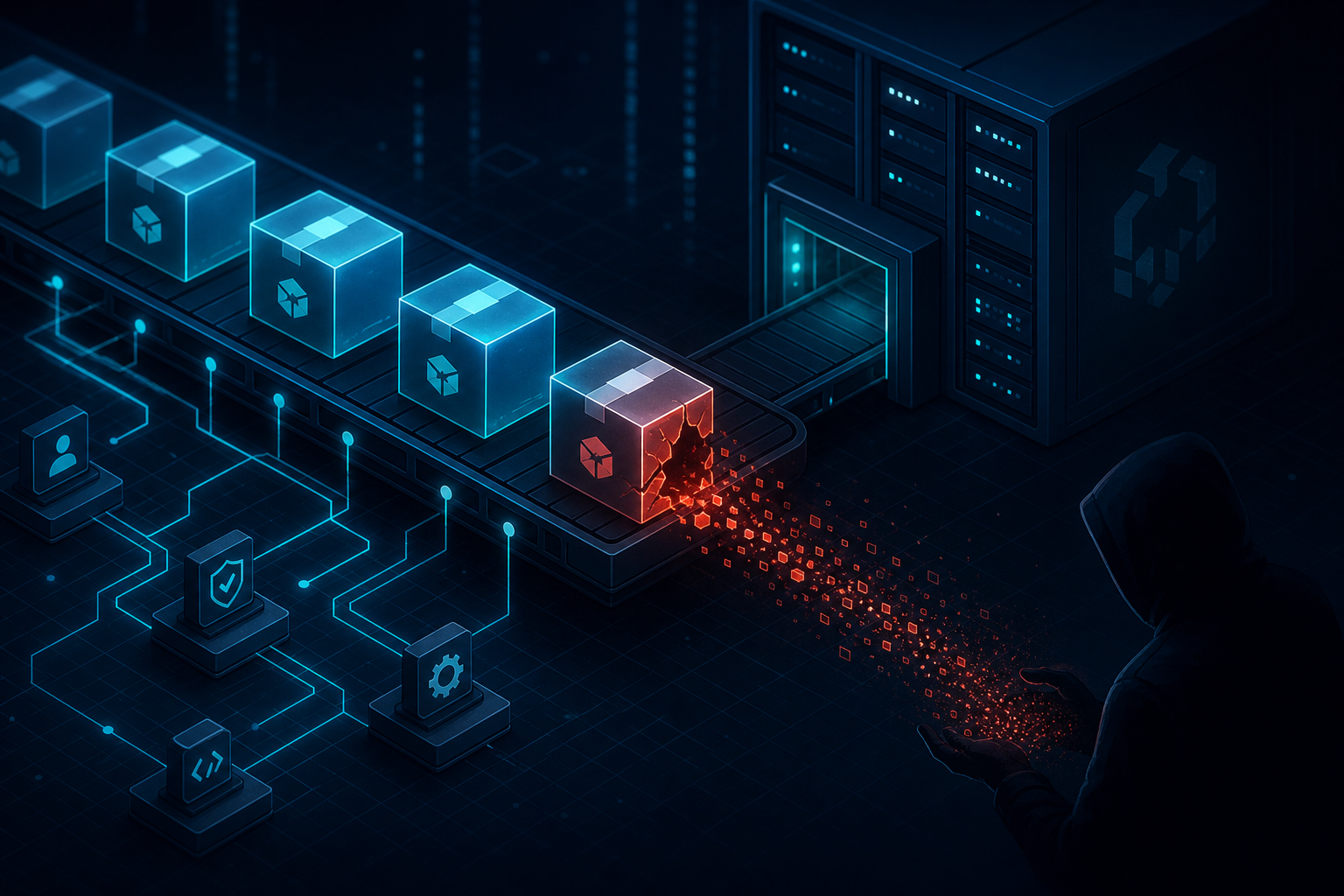
If you run an AI gateway, a proxy in front of your LLM providers, or anything that imports litellm in Python, this week’s news is for you. On October 21, attackers published a malicious release of LiteLLM, the popular open-source proxy for routing requests across LLM providers. Version 1.107.0 went out through the project’s own release pipeline to PyPI and the official Docker images. It carried a credential stealer and a backdoor. PyPI quarantined it about two hours later, and the affected Docker images were pulled shortly after that.
Two hours doesn’t sound like much. With roughly 23 million weekly downloads and CI machines that pull images on every build, it was plenty of window for anyone whose environment touched the wrong version once.
What actually happened
LiteLLM’s incident report and Datadog Security Labs’ analysis piece the chain together, and it reads like a checklist of everything that goes wrong when developer credentials are treated as low-value secrets:
- Attackers used stolen GitHub CLI OAuth tokens from three engineers’ accounts. Those tokens let them launch the project’s private release workflow.
- They pointed the pipeline at a lookalike fork. The malicious fork was named Berri-AI/litellm, one hyphen off the real BerriAI/litellm, easy to miss in a casual review.
- The run was launched, approved, and then deleted from the logs. Someone had enough access to clean up behind themselves in real time.
- The build provenance looked legitimate because it was. The pipeline faithfully recorded the malicious fork as the source. Provenance can only vouch for what it was pointed at.
This is also the second supply chain compromise of LiteLLM this year. The earlier incident, affecting versions 1.82.7 and 1.82.8, was linked to different actors. Two separate compromises of the same package in twelve months tells you the attack surface isn’t a fluke.
Why this one is nastier than a typical malicious package
Most malicious PyPI packages only run their payload if your code imports them. This one didn’t wait for that. The release dropped three files into site-packages: cook.pth, cook.py, and sitecustomize.py. Python loads .pth files and sitecustomize.py automatically every time the interpreter starts, so any Python process in that environment executed the stealer, even if LiteLLM was never imported.
That has two ugly consequences. First, every machine that installed 1.107.0 is suspect, not just the ones running the proxy. Build runners, dev workstations, containers, all of them. Second, deleting the litellm package directory does nothing. The dropped files stay put, and the next time you run python or pip, the malware runs again. You have to remove the three files manually.
The exfiltration scope was aimed squarely at engineers and the cloud infrastructure they touch:
- Cloud credentials: AWS, GCP, and Azure keys, including from instance metadata endpoints, plus Kubernetes, Docker, Vault, and Terraform secrets.
- Developer material: SSH, GPG, and TLS keys, git, npm, and PyPI tokens, .env files, and shell history.
- AI tooling: LLM provider API keys and active sessions for Claude, Codex, Gemini, Cursor, Copilot, and other AI coding tools.
- Your proxy’s own secrets: If a database was configured, the malware queried the tables where the LiteLLM proxy stores upstream provider credentials.
- Browsers: saved passwords and cookies.
Stolen cookies and active sessions are worth pausing on. A password reset doesn’t evict someone sitting in a live session. You need to revoke those sessions too.
The root cause was a key nobody revoked
The Register reported that LiteLLM traced the attack back to May, when a configuration file containing a master key was committed to a public repository. Nobody revoked it in the five months that followed. Separately, LiteLLM suspects GitHub tokens leaked through AI gateway logs, and the attacker ended up holding three sets of developer GitHub CLI credentials, one of which could run workflows. A week before the compromise, release permissions had been expanded for two internal engineers, which widened the door further.
The lesson is not “LiteLLM is insecure.” The lesson is that the compromise did not start on October 21. It started in May, with a secret that sat in a public place and a token that sat unrevoked. Everything after that was just logistics.
What to do this week
If your environments pulled litellm 1.107.0 or the affected Docker tags (v1.107.0, latest, main-latest, main-stable), work this list in order:
1. Pin to 1.106.2
It’s the latest safe version. If you pull “latest” in a Dockerfile or an unpinned litellm requirement, stop doing that as of right now.
2. Hunt for the dropped payload files
Check every environment that could have installed 1.107.0 for cook.pth, cook.py, and sitecustomize.py in site-packages. Delete the files manually. Removing the litellm directory alone leaves the malware in place.
3. Rotate everything, from a clean machine
Assume any credential that lived on an affected host is gone: cloud keys, SSH and GPG keys, git and PyPI tokens, provider API keys, AI coding tool sessions. Rotate from a machine you know is clean and revoke the old credentials rather than just reissuing.
4. Audit the exposure window
The malicious release was live from 11:39 to 13:20 UTC on October 21 in PyPI, and the Docker images a bit longer. Check logs for use of exposed credentials during and after that window, including unexpected egress to lookalike domains.
5. Treat developer CLI tokens like production secrets
GitHub CLI OAuth tokens that can trigger release workflows are production credentials. Scope them, expire them, monitor them, and revoke immediately when a secret lands somewhere public. If your release pipeline can be pointed at an arbitrary fork by whoever holds a token, that’s the control to fix, and provenance signing won’t save you because it will faithfully attest to the wrong source.
6. Inventory your AI dependencies
Every AI gateway, SDK, and coding-tool integration you run is supply chain surface. Write them down, pin versions, and know who would need to rotate what if the next one pops.
The takeaway
Your AI stack is only as trustworthy as the pipeline that built its dependencies, so treat every developer token with release power like a production secret, pin your versions, and when a compromise hits, rotate from a clean machine because deleting the package was never the fix.